One of the ways to optimise your website is to use small PDFs. In this article I’m going to compare between four PDF compressor.
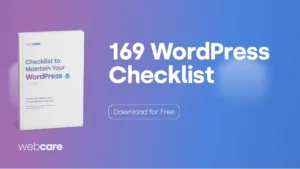
The test? Compress 169 WordPress Checklist PDF.
I designed the PDF using Figma and stitch them together using the tutorial I’ve done over at Laman7. Tutorial how to save multiple frames figma to PDF.
The original file is 5.4 MB
| Source | Size |
| Original from Figma | 5.4 mb |
| Adobe | 3.8 mb |
| PDF24 | 3.9 mb |
| SmallPDF | 3.9 mb |
| Ilovepdf | 3.9 mb |

Proof that Adobe wins
Conclusion Compress PDF Compared
From the table above, it’s best to stick to the original creator of PDF, Adobe. They have done a good job of improving the website since I last used in 2023.
While saving 1.6 MB might be very small, most people load PDFs onto their devices, phones, tablets, or Kindles. Saving in smaller sizes improves the loading speed of your server and reduces the resources used.