The original question was posted in Bricks Forum
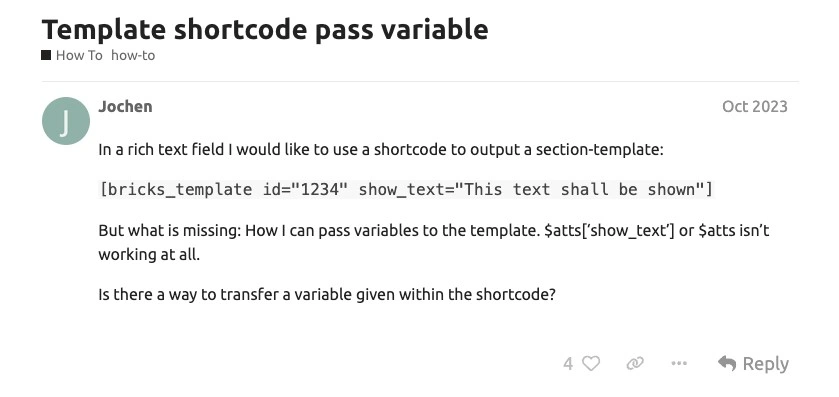
How to Pass Variable through Bricks Short Code?
The idea is to be able to reuse the same shortcode in multiple areas of the website so that you don’t have tens of templates.
Table of Contents
Overview Steps
There’s going to be a lot of modification required here. So we’ll take it one step at time.
- Register some code to function.php. It gets the old shortcode and then builds on top of it.
- Make your template using Bricks Template.
- Use query instead of the normal loop
- Pass the variables to the loop
- Go to any post and use the shortcode
Step 1 – Creating the Shortcode
Register this code to function.php. It gets the old shortcode and then builds on top of it.
You can also use any snippet of your choice. Remember, it will require new shortcode.
// Add custom bricks template for Post to render Bricks Section
function custom_bricks_template_shortcode($atts) {
    // Extract the attributes
    $atts = shortcode_atts(
        array(
            'id' => '',
            'state' => '',
        ),
        $atts,
        'bricks_template'
    );

    // Pass the attributes to the template
    ob_start();
    set_query_var('bricks_template_state', $atts['state']);
    echo do_shortcode(' . '"]');
    return ob_get_clean();
}
add_shortcode('custom_bricks_template', 'custom_bricks_template_shortcode');
Essentially we’re creating a new shortcode which passes through Bricks original shortcode.
What’s happening here is, we start add new attributes to the shortcode. Store as global query using “set_query_var” the pass it through Bricks Shortcode.
The shortcode will do something like this
[custom_bricks_template id="1706" state="kelantan"]Id is your template ID and state
Step 2 – Build Your Template
Build the template like you normally do.
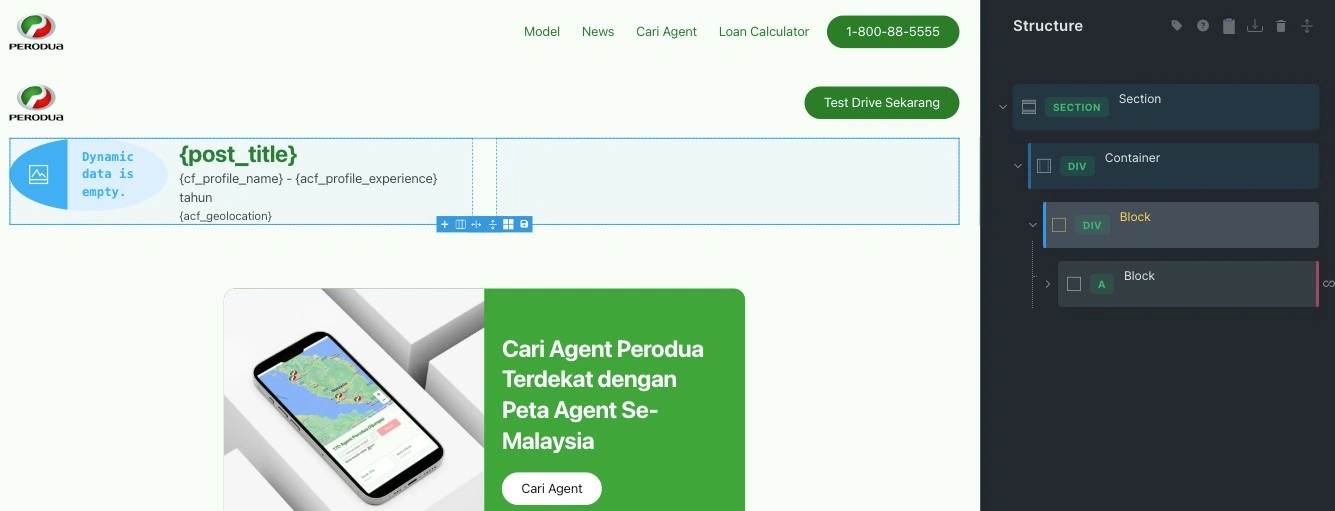
Step 3 – Use PHP Query instead of your Normal loop
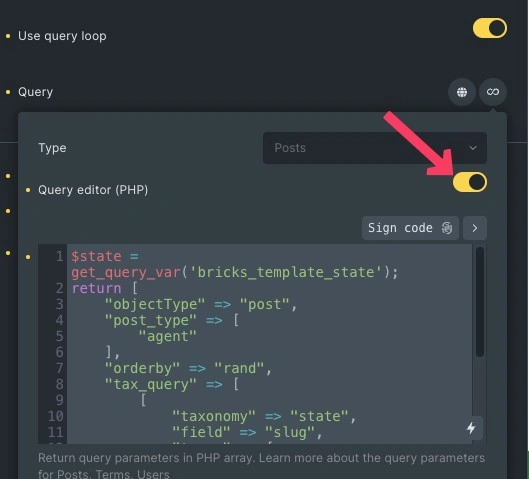
Make sure to check the query editor to be “On”, then you will have access to ‘Return query parameters’ like this
Step 4 – Pass Variables to Loop
Now you’ve got it open, add the PHP like below
$state = get_query_var('bricks_template_state'); //get this from shortcode
return [
    "objectType" => "post",
    "post_type" => [
        "agent"
    ],
    "orderby" => "rand",
    "tax_query" => [
        [
            "taxonomy" => "state",
            "field" => "slug",
            "terms" => [
                $state
            ]
        ]
    ],
    "post_status" => "publish",
    "paged" => 1,
    "posts_per_page" => "-1"
];
Step 5 – Use the New Shortcode
You can now use the shortcode you’ve newly created
[custom_bricks_template id="1706" state="kelantan"]Potential Issues
- Conflict in the naming. Be sure to use a unique shortcode name
- Not rendering loop. You can use echo to see if your code is passed through
<?php
// Make sure the variables are set before trying to echo them
$state = get_query_var('bricks_template_state', 'default_state'); // 'default_state' is optional fallback

echo 'State: ' . esc_html($state) . '<br>';
?>