If you’re using the Rank Math SEO plugin, your WordPress sitemap (/sitemap_index.xml) includes a stylesheet link and a credit line pointing back to Rank Math.
While harmless, some site owners prefer a clean, raw XML sitemap without extra branding. Here’s how to remove the Rank Math credit and stylesheet in just a few lines of code.
RankMath Credit is Unncessary
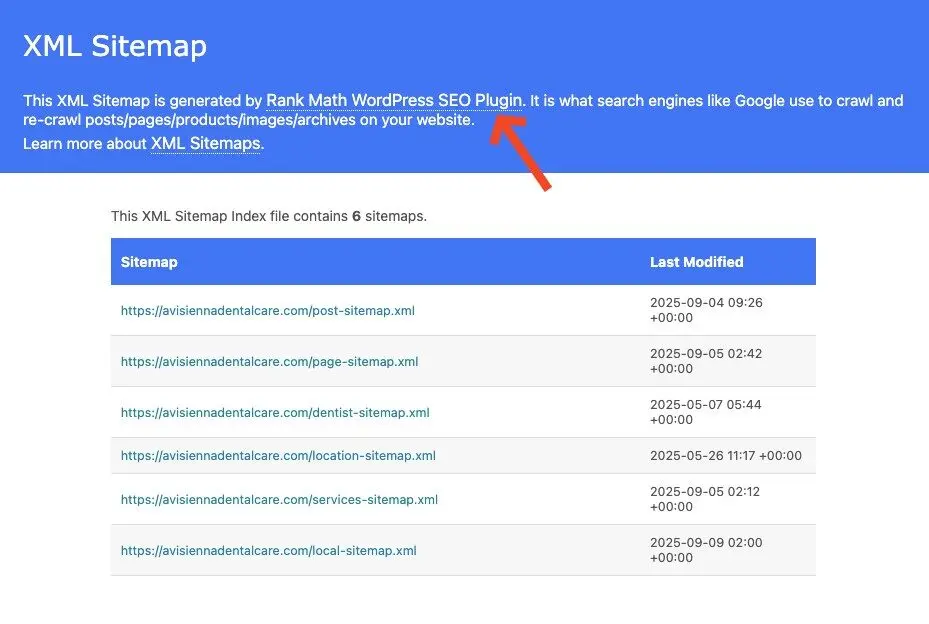
If you’ve paid for RankMath Pro, it makes very little sense to show RankMath branding on the Sitemap. It serves no purpose to us (paying customers) and only benefits RankMath commercially.
By default, Rank Math adds two extras to your sitemap:
- An XSL stylesheet link
- A “generated by Rank Math” credit
You can remove both with a simple snippet.
// Disable Rank Math sitemap XSL and credit
add_filter( 'rank_math/sitemap/xsl', '__return_false' );
add_filter( 'rank_math/sitemap/remove_credit', '__return_true' );
Add this code to your theme’s functions.php or a custom rank-math.php file in your theme folder.
After saving, go to Settings → Permalinks and hit Save, then purge any caches. Your /sitemap_index.xml will now display clean, raw XML without Rank Math branding.
Search engines don’t care about the stylesheet or credit, so removing them won’t affect SEO.
The Result: Clean RankMath Credit
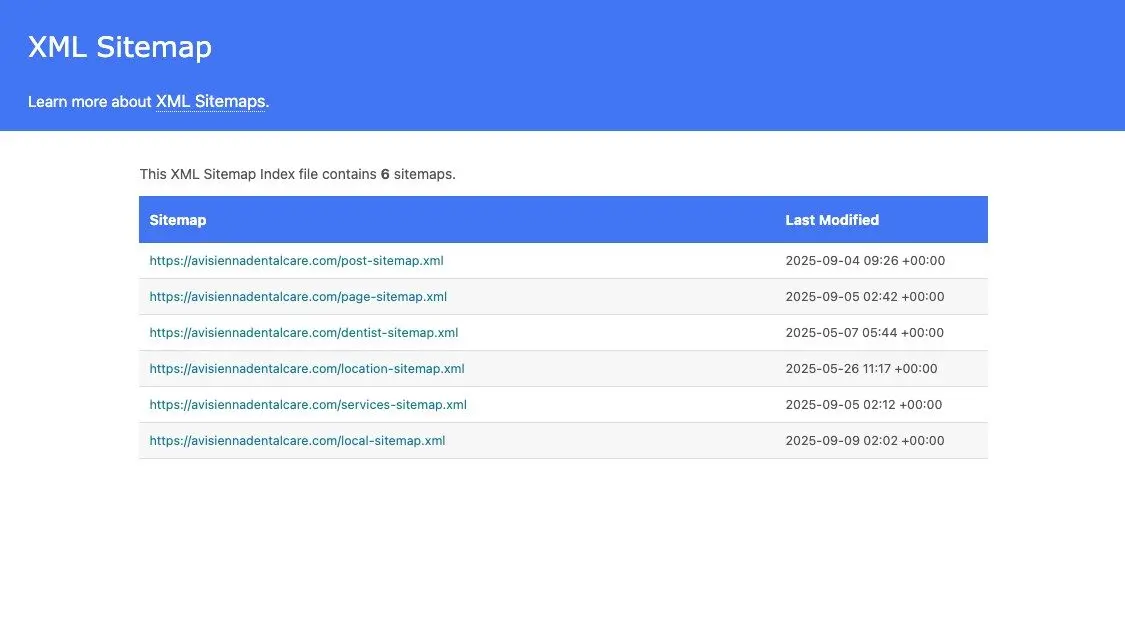
Now your sitemap looks so much cleaner without RankMath Credit.
Recap on How to Remove RankMath Credit
The easiest way (without going through settings) to remove RankMath Credits
- Copy and paste snippet
- Resave the Permalink
- Clear cache
It should take you 3-4 minutes at most.