You might have seen this ShortPixel Backup folder which takes up so much space in your WordPress Server. The great news, you can delete shortpixel backup.
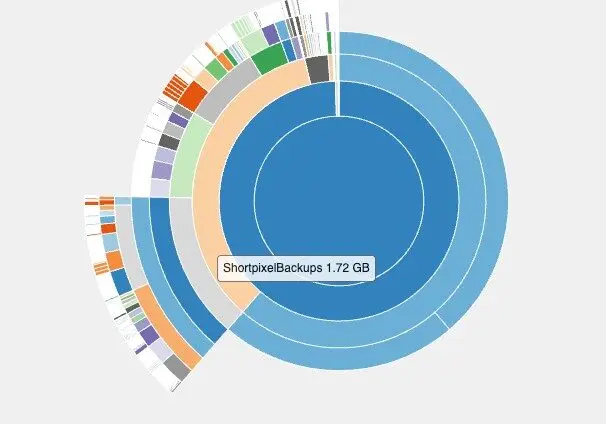
Shortpixel Backups are Original Files
When you upload to your WordPress, the Shortpixel plugin compresses it into smaller files into lossless, glossy or lossy format.
These original files gets sent to a folder called “ShortpixelBackups”.
Over time, these files accumulate and starts becoming big and might block your ability to perform backup The 7 Best WordPress Backup and Restore Plugins (1-Click Restore).
Removing The Backup Files in 2025
The new version of ShortPixel changed the layout, making it slightly hidden.
1. Access ShortPixel Dashboard
Go to Settings -> Shortpixel
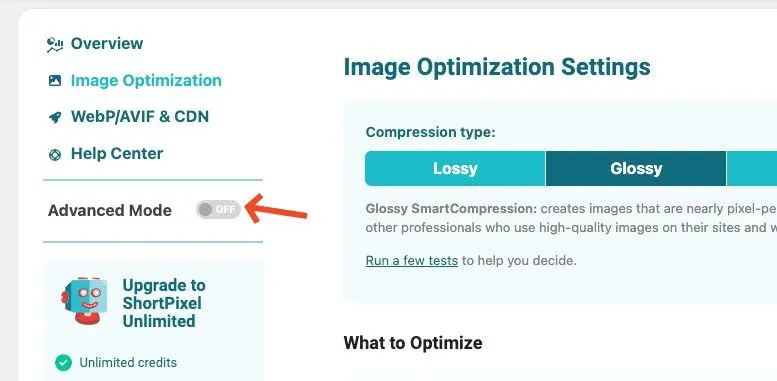
2. Turn on Advance and Click “Tools”
By default, Shortpixel is not in advanced mode.
Once you turn on the mode, you’ll see “Tools”.
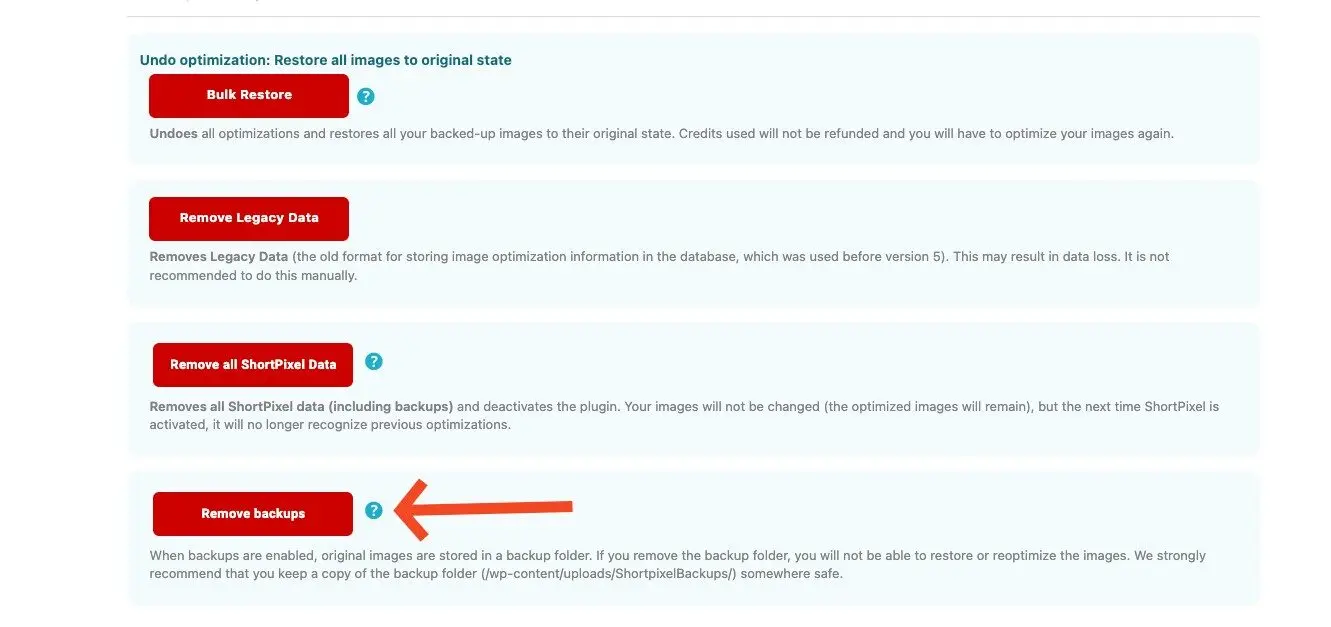
3. Scroll Down and Click Remove Backup
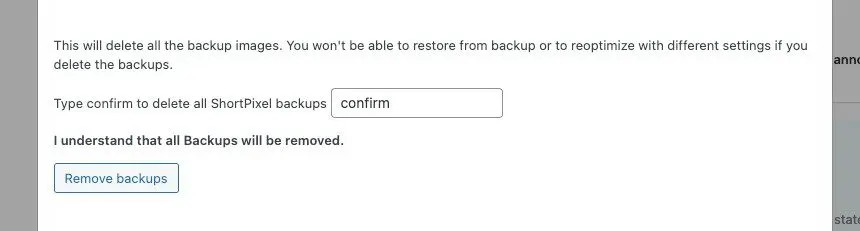
Shortpixel will notify it’s dangerous to remove the backup. You can proceed if you already have backups.
A popup will appear to confirm the deletion. Type “confirm”.
You can also manually delete the folder in your WordPress server by accessing via File Manager or CPanel.
wp-content/uploads/shortpixelBackups
Deleting the original image backup files will free up disk usage on the WordPress server.
You can also delete database tables like below in your database table.
wp_shortpixel_folders
wp_shortpixel_meta
wp_shortpixel_postmeta
wp_shortpixel_queue
Need help to maintain WordPress?